Nov 17, 2025
FileMap Workshops
Exploring the Future of Collaborative Design
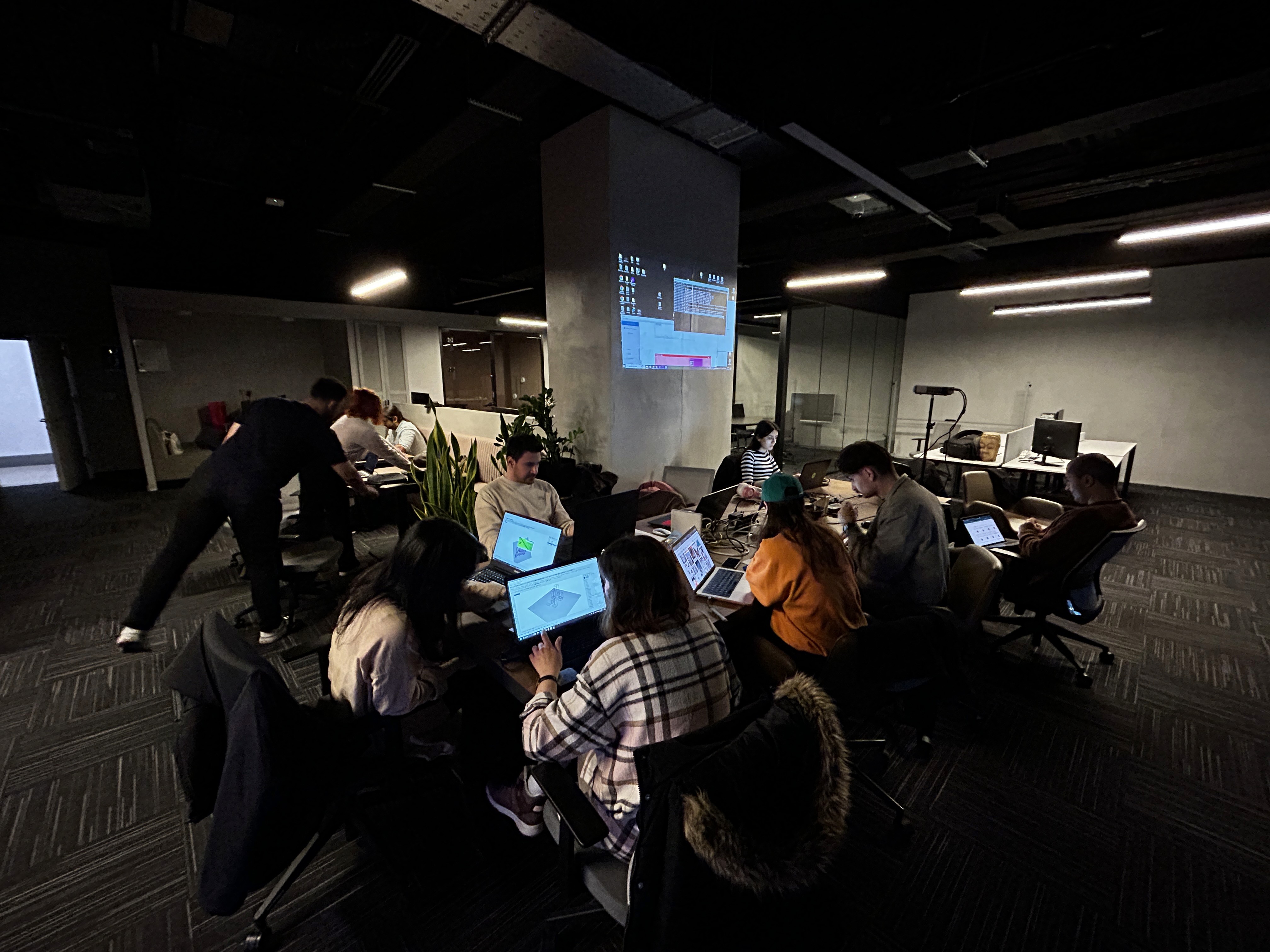
FileMap Workshops are hands-on, interactive sessions designed to rethink and refine how creative teams work together. Whether you’re part of a studio, a classroom, or a global design community, these workshops offer a space to discover better digital workflows and collaborative design methodologies.
The Dynamics of Collaborative Creativity
Observations from FileMap Workshops
FileMap introduces a new concept for collaborative work. It makes the entire process visible. This means any sketch, experimentation, or research becomes visible on the digital surface for the entire group to observe.
This creates a particular sentiment. It disables isolation and helps everyone gradually adjust their mindset as they transition into a truly unified flow process.
The Role of the Coordinator and the Introduction Phase
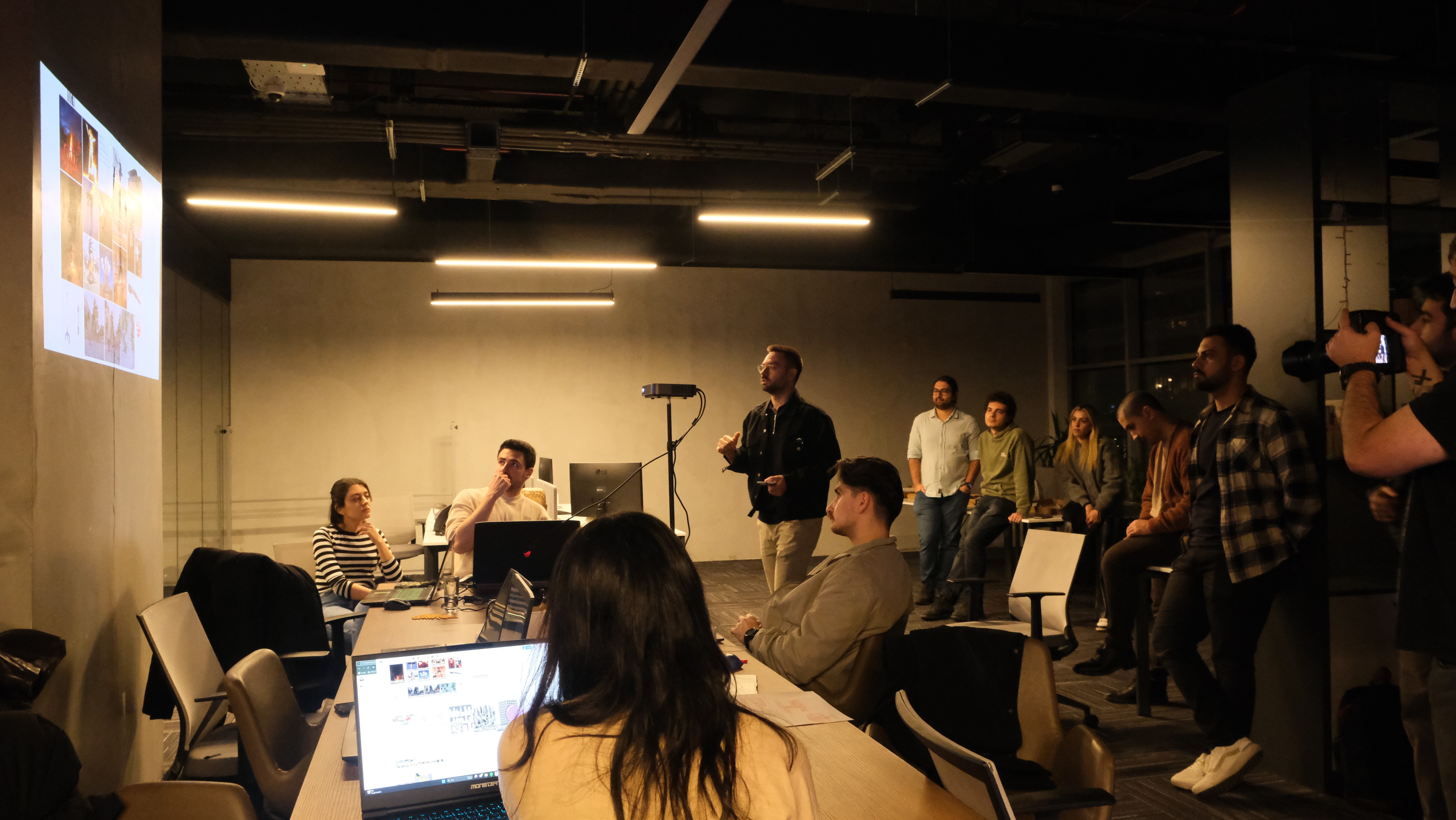
One important aspect of the workshop is the introduction. Typically, the workshop coordinator helps everyone introduce themselves and asks questions that connect their interests, expertise, and especially their curiosities. Another key responsibility of the coordinator is to state the workshop’s intention or vision. One of these intentions is to reduce self restraint and expand the flow state from the individual to the group.
Groups meeting for the first time often experience various social tensions. The fear of being judged is a major factor that can block creativity. We have observed that the initial setting, the stated intentions, and the early guidance are highly effective in reducing these creative blocks.
Demonstrating How Easily Ideas Can Become Visible
Another important element is demonstrating how to use FileMap and how to move from idea to illustration in a short time, whether with FileMap, 3D tools, 2D tools, or AI tools. Showing that the threshold for illustrating ideas is very low helps participants understand that an idea does not need to be perfect in order to be visualized.
A common issue among designers is perfectionism and withholding the expression and materialization of ideas. This is why illustrating a very short idea to material process at the beginning of the workshop is crucial. We usually use the following sequence.
The Flow of the Workshop
Time | Activity |
|---|---|
1 to 2 minutes | Quickly brainstorm, choose an idea that loosely aligns with the workshop theme, commit to it, and add it to FileMap. |
30 seconds | Find quick image references and add them to FileMap. |
1 to 2 minutes | Create a simple model in a 3D software tool such as Rhino or SketchUp. Take screenshots and add them to FileMap. |
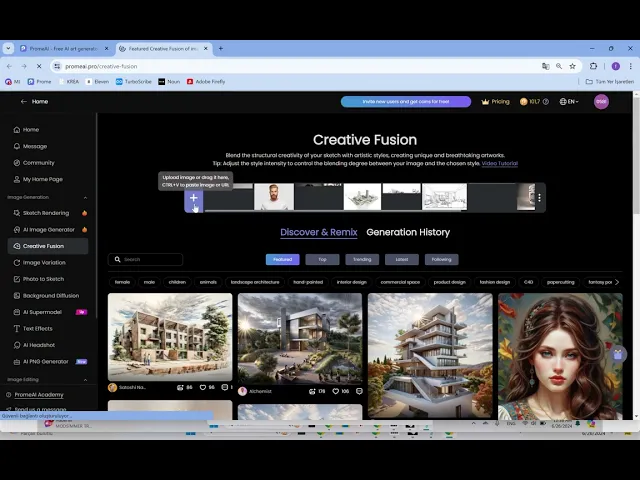
1 to 2 minutes | Use an AI tool like Krea to generate about ten to fifteen images. Add them all to FileMap and pick the most interesting one. |
This ten minute cycle demonstrates that FileMap can support the entire design process from start to finish, shows that anyone can quickly generate and illustrate ideas without restraint by treating FileMap as a low threshold process tool rather than a submission tool, and also illustrates how easy it is to use, with its very short learning curve allowing participants to see this in action and reducing the stress of adapting to a new tool.
Sample FileMap workflow.
After this, a short conversation about everyone’s ideas regarding the workshop subject begins. Participants briefly express their ideas and then start working either individually or in groups of two or three. Each person links their own folder and begins building their project in FileMap.
As people become more comfortable speaking and expressing themselves, they also become more comfortable placing any illustration on the canvas.
Rest of the workshop:
Time | Activity |
|---|---|
Every 10–15 minutes | Coordinators check in with everyone. |
1–2 hours | Interim presentation. |
3–4 hours | Final presentation and feedback session. |
End of workshop | Closing party. |
The Influence of Music and Atmosphere
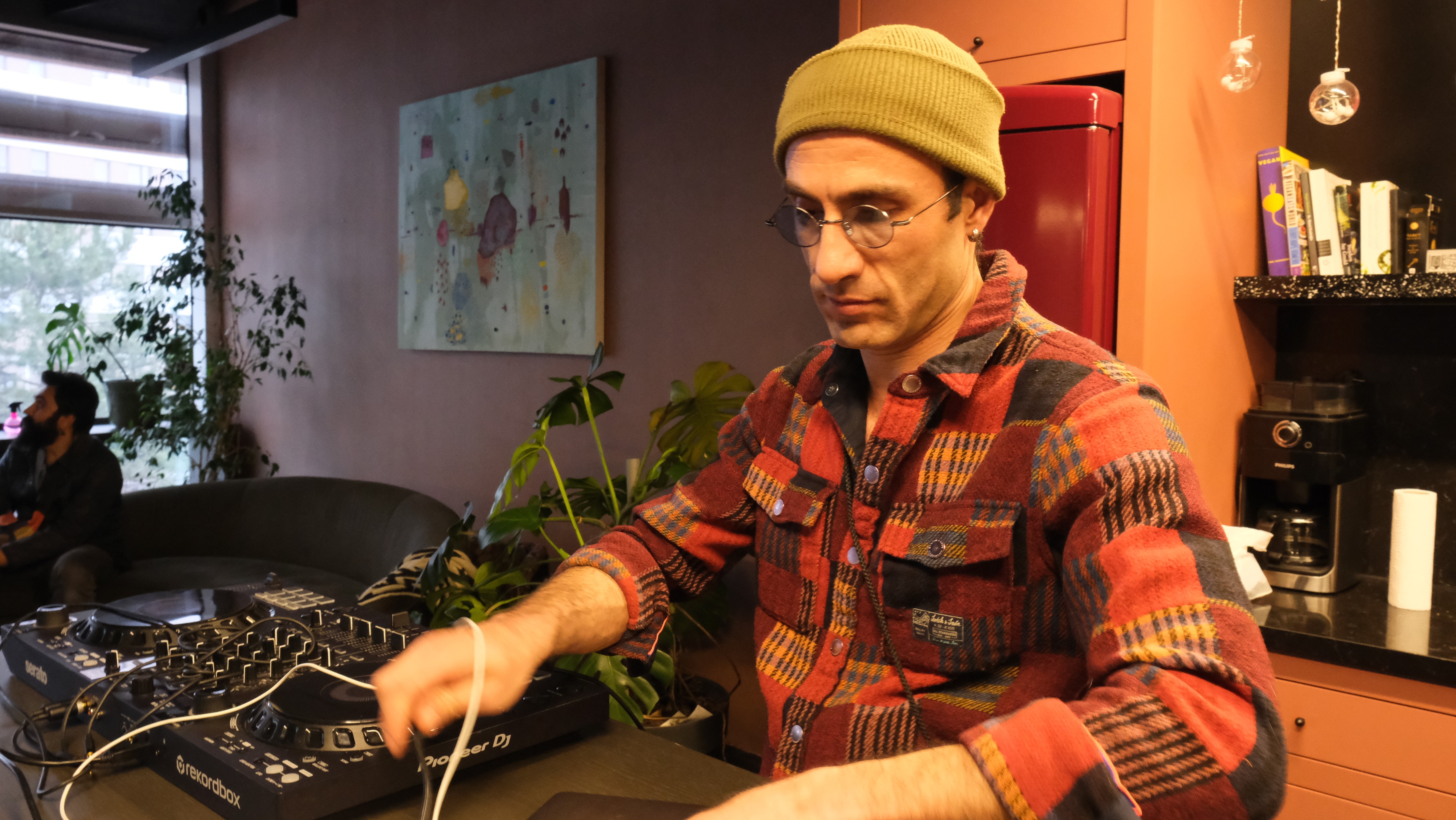
Music is another key element. We invite DJs or play music in the background. Unconscious guidance is important. Design students are often exposed to classes and design studios in school or companies, so design is associated with homework or work. Music, on the other hand, is associated with freedom, friends, and focusing on experience rather than thoughts. It adds a ritualistic layer to the experience. It helps the ego partially dissolve.
Cultivating Freedom of Expression Through Ego Dissolution
Reducing barriers, the fight or flight feeling, and ego protection is critical. For instance, if someone does not feel comfortable or feels at risk of being judged, they restrain themselves. They focus on protecting their identity and social safety. However, if they feel comfortable and trust that the group will not judge them, they become more expressive. They not only express themselves but also create ideas more securely and freely. They experiment starting from their cognition, which extends naturally to their words, actions, and illustrations.
We realized that it is critical for the coordinator to embody these qualities. If the coordinator does not embody them, the group senses it. In more esoteric language, the group resonates with the coordinator energetically. If the coordinator is secure and can dissolve their ego, this appears in their posture, facial expression, tone of voice, and words. All of these cues reflect to each person kinesthetically.
FileMap as a Manifestation of Transparency and Process
FileMap’s user interface is also a manifestation of this philosophy of transparency, freedom, unity, and collaboration.
Often in design practice, only the results are shared with the team: final presentations, printouts, curated deliverables. Even though design schools and companies say that they find the expression of process important, the illustration of the process is usually curated by designers.
FileMap captures every step, literally the process itself, uncurated. Or more accurately, if each individual curates their own process, they are simultaneously curating it for public view. Most likely at an unconscious level, this motivates people to think and operate from a collective perspective.
The Emergence of Collective Flow
In our workshops, we have observed that after one or two hours, groups often experience flow state together. Flow state is something that is usually experienced individually, yet in a FileMap space we see people enjoying each step. Conversations feed the digital layout and the digital layout feeds the conversations. The physical environment also becomes part of the experience. People visit each other or speak across the table, saying things like “yes yes get that 3D model” or “can you add another building there”.
In esoteric language, the dissolution of the individual ego blends into the dissolution of the collective ego. People let go of ownership. Processes started by one person are adopted by another. Ownership dissolves gradually.
Studying the Nature of Collaborative Creativity
While we are building FileMap to reach a tool for true collaborative visual workflow, we are also observing the deeper dynamics of collaborative creative work. These workshops help us gather feedback about FileMap, but they also help us ask fundamental questions about the nature of creative collaboration.
We explore questions such as:
How can a group transition to a collaborative flow state
How does the full visibility of process influence everyone’s psychological state
What is the role of the coordinator
What is the role of music
How can we modify FileMap to unlock the potential of group dynamics and collaborative thinking
How does the background and attitude of each individual influence the general atmosphere
These observations shape both our product and our understanding of collaborative creativity.
Two main formats:
Academic & Professional Workshops
Structured sessions aimed at improving workflow adoption in studios, institutions, and professional teams.Experimental Community Workshops
Open, exploratory gatherings for designers interested in pushing the boundaries of digital collaboration.
Let’s take a closer look at both.
Academic & Professional Workshops
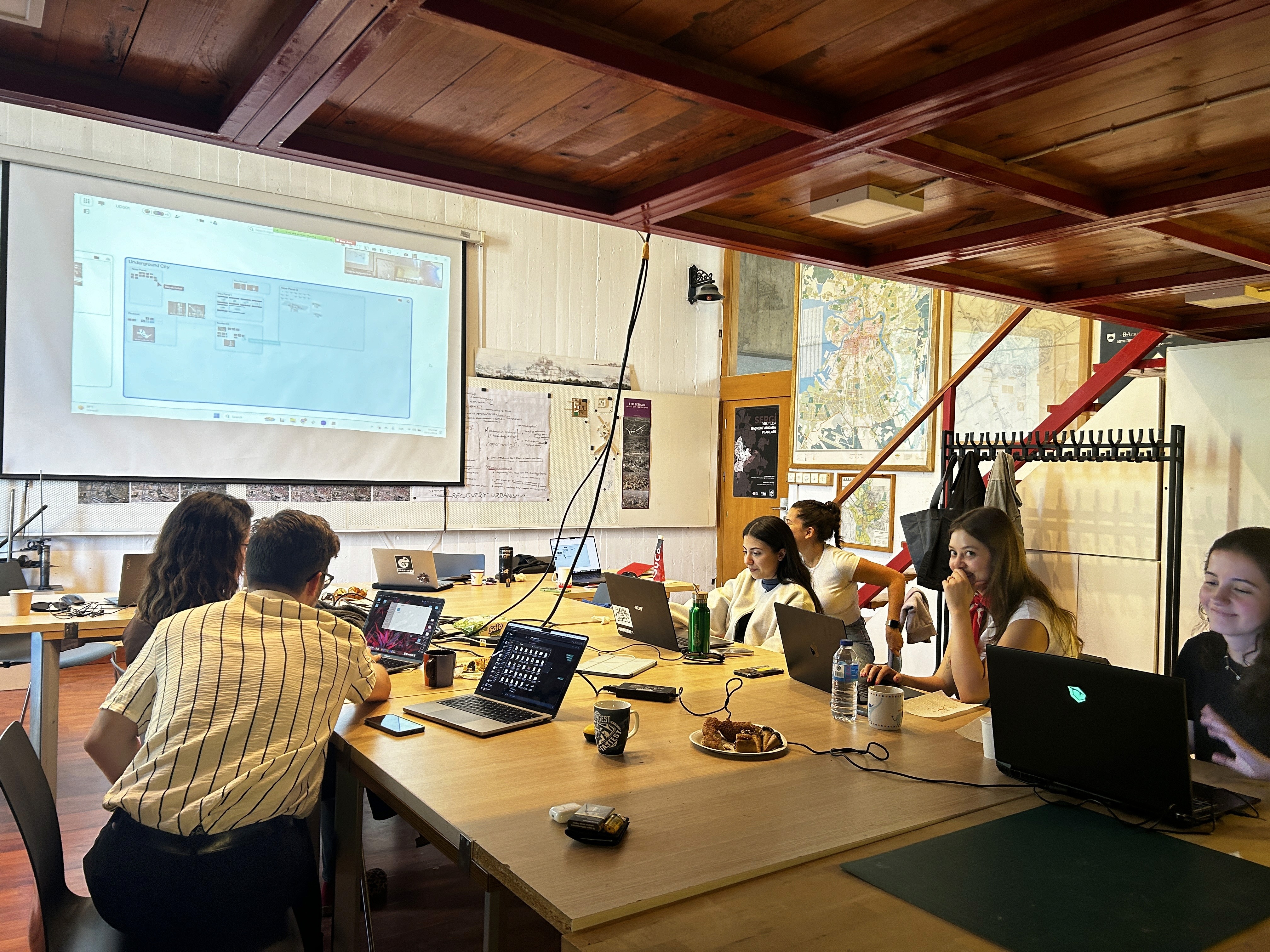
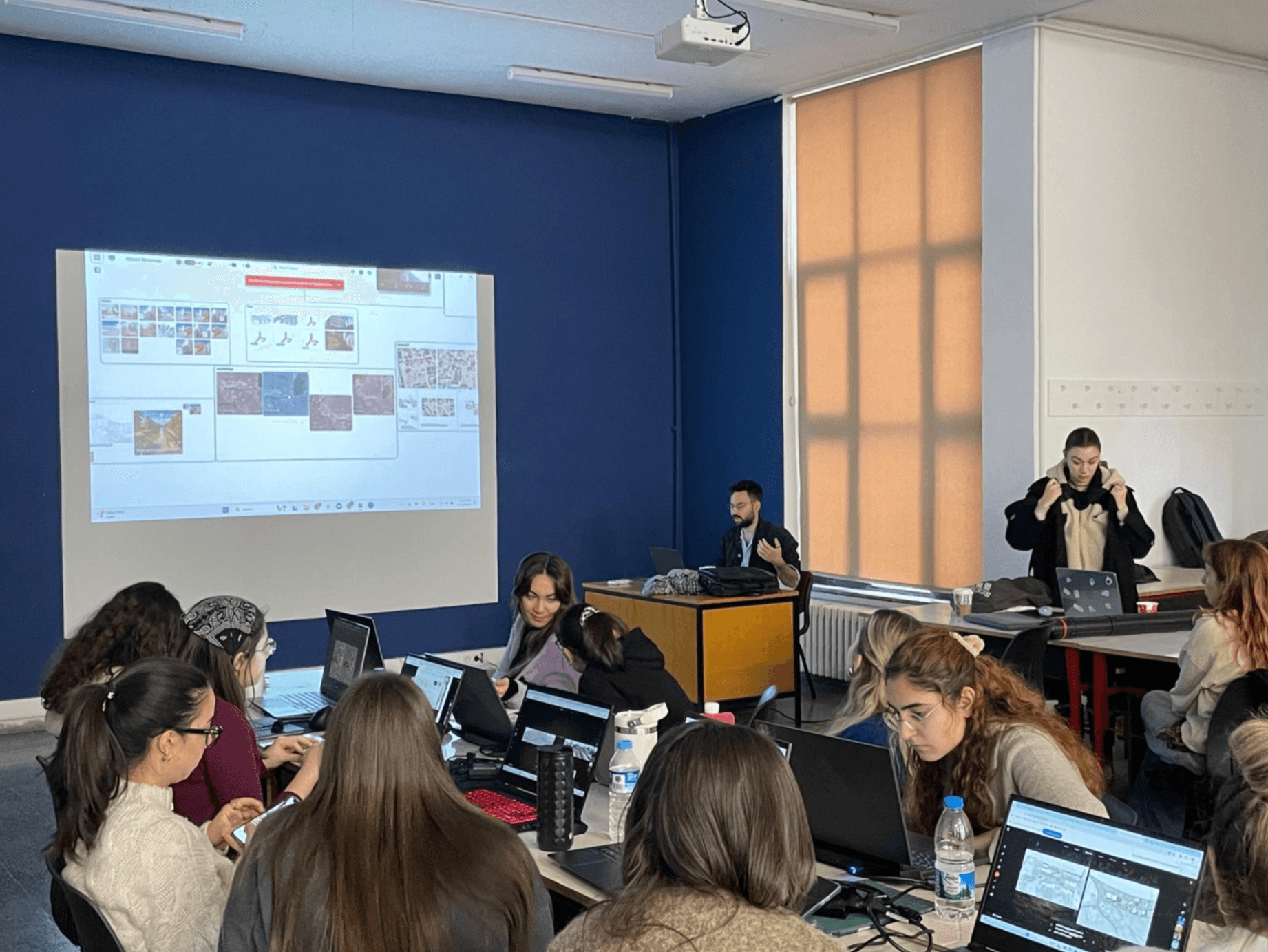
Our Academic & Professional Workshops are tailored for design studios, universities, and professional teams aiming to integrate FileMap into their existing workflows. These sessions help participants understand FileMap’s capabilities, improve digital collaboration, and strengthen process-driven design practices.
Who It’s For
University design programs (architecture, industrial design, urban planning, etc.)
Creative teams managing complex multi-file projects
Educators and researchers seeking better organizational and versioning systems
What’s Inside the Workshop
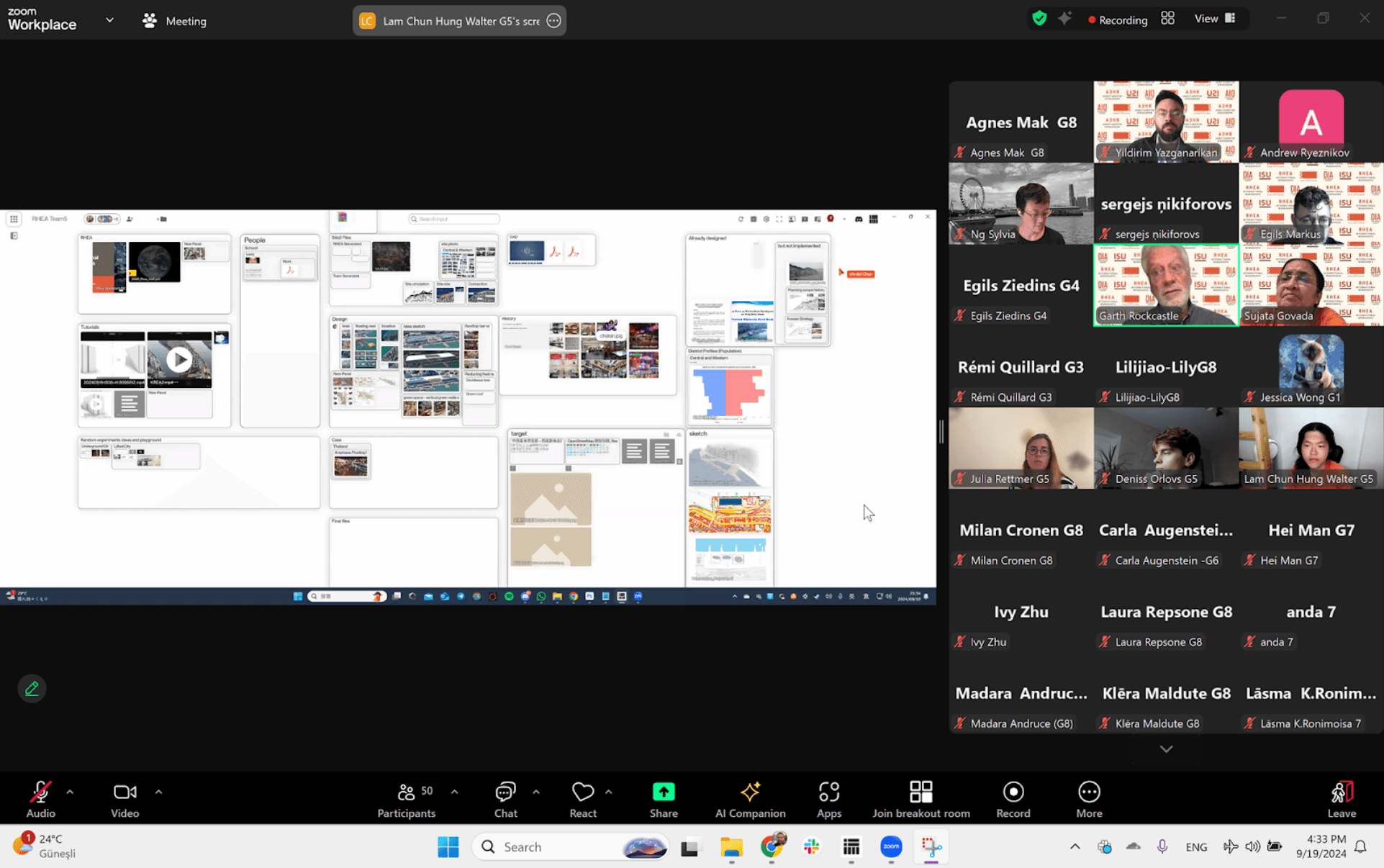
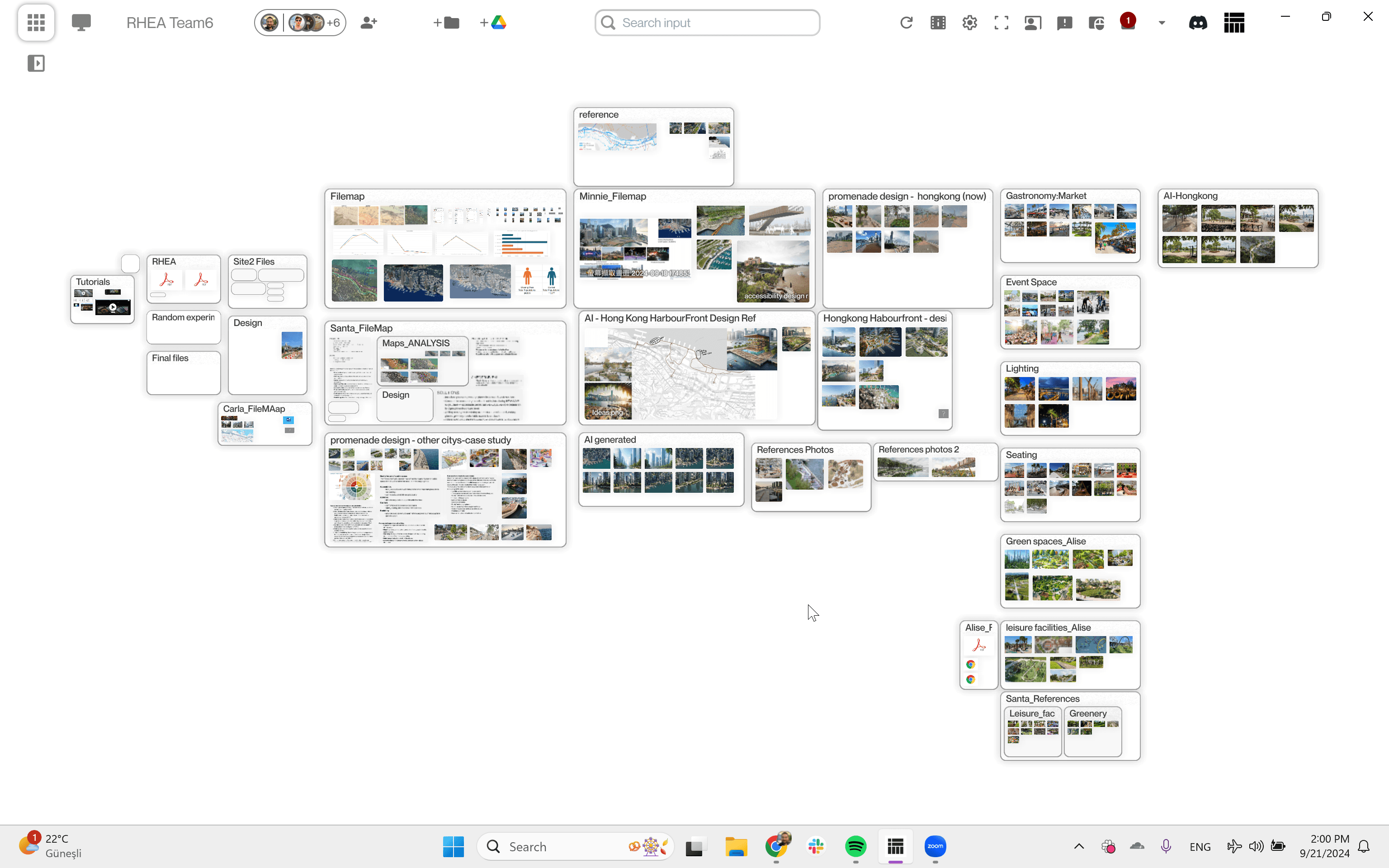
1. Introduction & Context
An overview of FileMap’s role in collaborative design processes.
2. Live Demonstration
A walkthrough of workspace setup, version history, sharing, and team-based workflows.
3. Hands-On Activity
Participants apply FileMap to a real or simulated project, exploring practical use cases.
4. Q&A and Feedback
An open conversation about needs, challenges, and opportunities for improving collaboration.
Host a Workshop
We regularly collaborate with studios, universities, and organizations to bring FileMap into real-world design environments.
If you’re interested in scheduling a workshop for your institution or team, reach us out!
Experimental Community Workshops
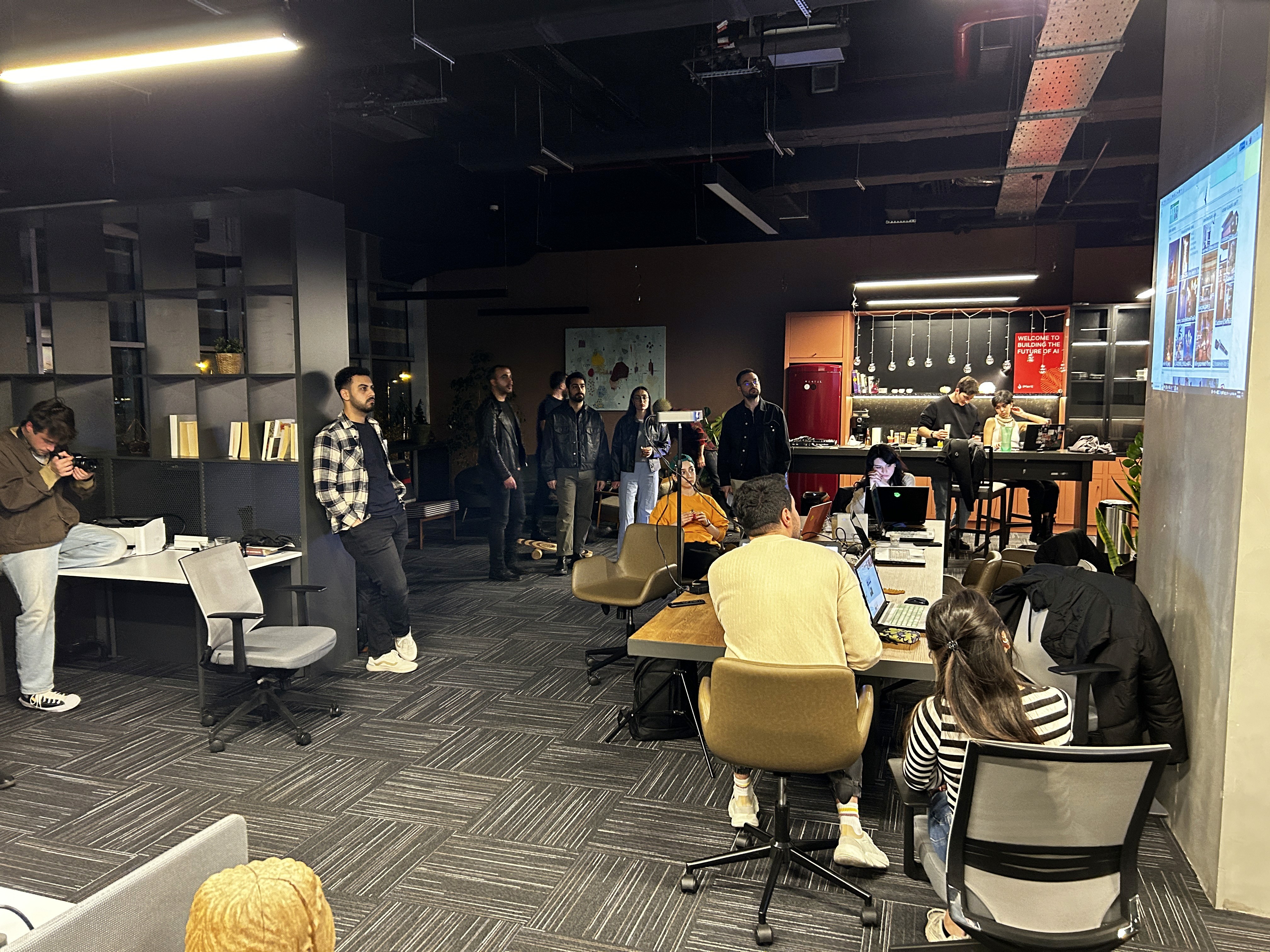
Our Experimental Community Workshops are less structured and more exploratory. These sessions invite designers, artists, and thinkers to gather, experiment, and play with new forms of digital collaboration using FileMap.
These aren’t training sessions - they’re creative laboratories.
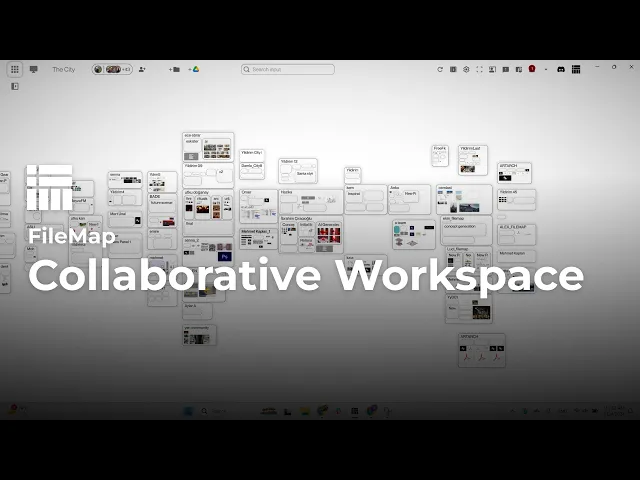
A sample FileMap workshop space.
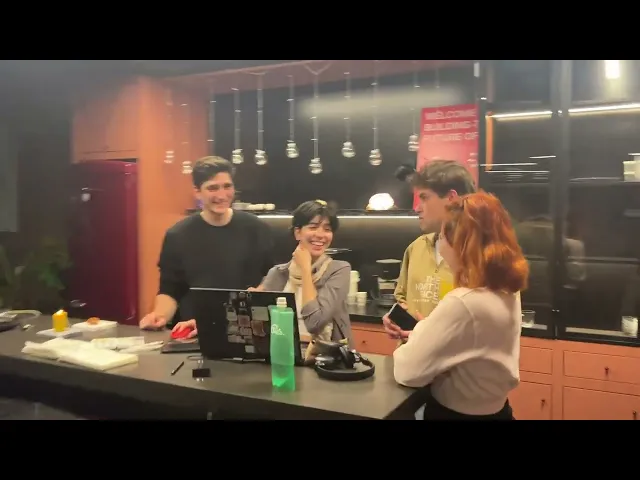
Video from FileMap workshop 7.
Who It’s For
Designers, architects, and creatives from any field
Artists and digital experimenters
Anyone curious about collaborative workflows and emerging design tools
What Happens in These Sessions
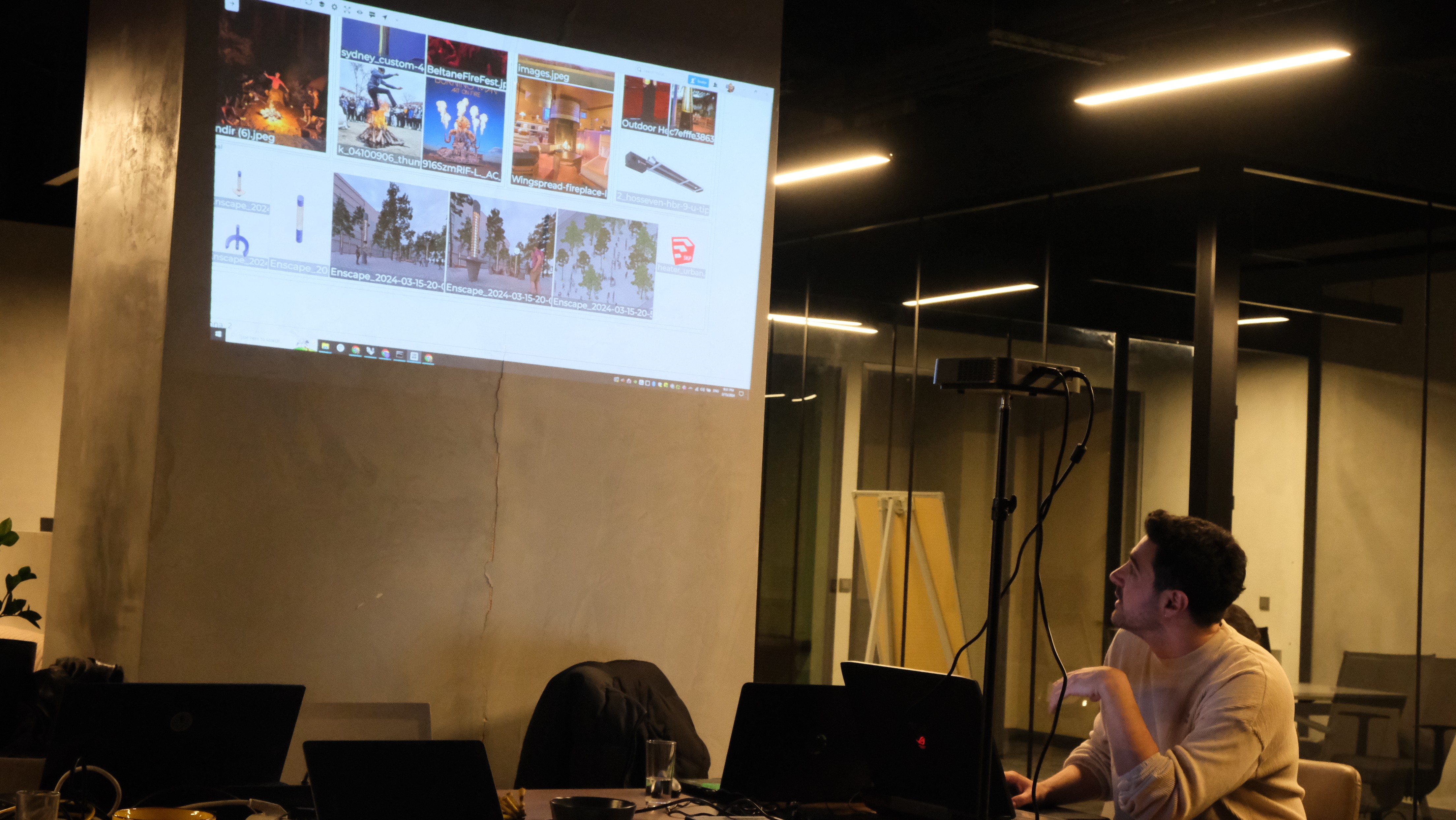
1. Concept Introduction
A short dive into experimental design approaches and alternative workflows.
2. Collaborative Experimentation
Participants engage in open-ended design challenges using FileMap as a shared workspace.
3. Live Iteration & Reflection
Real-time workflow adaptation, observation, and co-creation.
4. Discussion & Insights
A reflective session on experiences, discoveries, and ideas for the future of digital collaboration.
What We Explore
These workshops often incorporate a range of cutting-edge tools and processes, including:
Rendering & visualization
AI image generation
3D modeling
AI agent workflows
Many more emerging design technologies
Join Our Next Session
Our community workshops are open to everyone, whether you’re deeply experienced or simply curious about new ways of working. Come experiment, collaborate, and help shape the next generation of design workflows.
Check our community channels for upcoming workshop announcements!